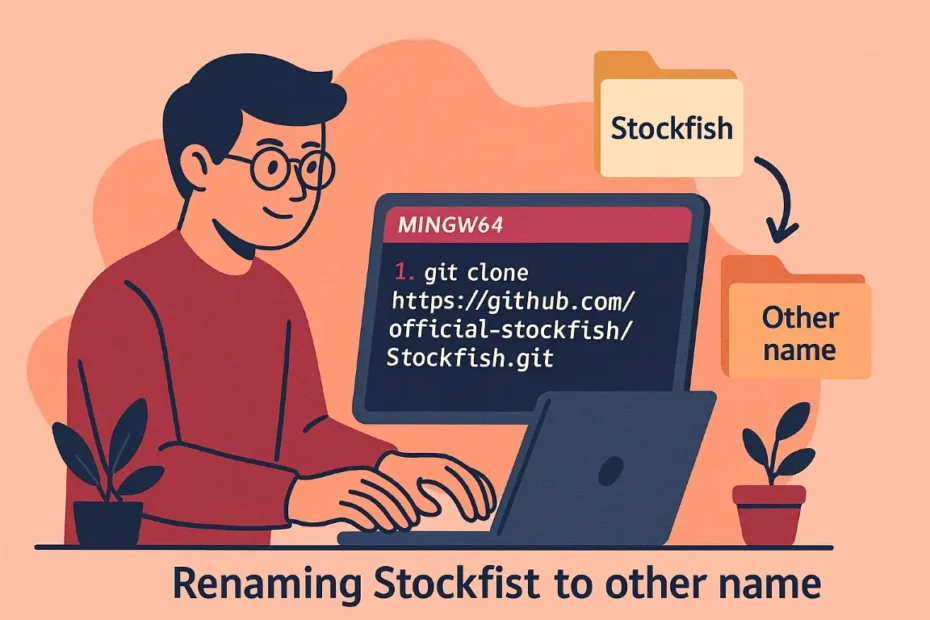
1. Clone and Prepare the Code
git clone https://github.com/official-stockfish/Stockfish.git<br>cd Stockfish/src2. Essential Code Modifications
a. uci.cpp (UCI Identification):
// Find (~line 130):<br>sync_cout << "id name Stockfish " << engine_info() << sync_endl;<br><br>// Change to:<br>sync_cout << "id name other name " << engine_info() << sync_endl;b. main.cpp (Startup Message):
// Find (~line 150):<br>cerr << "Stockfish " << engine_info() << endl;<br><br>// Change to:<br>cerr << "other name " << engine_info() << endl;c. engine_info() (in uci.cpp):
// Find (~line 120):<br>ss << "Stockfish " << ...;<br><br>// Change to:<br>ss << "other name " << ...;d. CMakeLists.txt (Project Root):
# Find (~line 20):<br>set(exe_name "stockfish")<br><br>// Change to:<br>set(exe_name "other name")3. Compilation with MinGW64 (Windows)
a. Install Dependencies in MSYS2:
pacman -S --needed mingw-w64-x86_64-gcc mingw-w64-x86_64-cmake mingw-w64-x86_64-toolchainb. Compile:
cd ..
mkdir build
cd build
cmake -G "MinGW Makefiles" ../src -DCMAKE_BUILD_TYPE=Release
mingw32-make.exe -j44. Verify Changes
a. Run the Binary:
./other name.exeb. Check UCI Output:
uci<br># Should display:<br>id name other name 16.1<br>...Additional Changes (Optional)
To remove all traces of “Stockfish”:
grep -rl "Stockfish" ../src | xargs sed -i 's/Stockfish/other name/g'Note: This will change ALL instances of “Stockfish”, including comments. Use with caution.
Troubleshooting Common Issues
cmakeCannot Find MinGW:
export PATH="/mingw64/bin:$PATH"- Missing Libraries:
pacman -S mingw-w64-x86_64-gcc-libs- Static Compilation (Avoid DLLs):
cmake -G "MinGW Makefiles" ../src -DCMAKE_EXE_LINKER_FLAGS="-static" -DCMAKE_BUILD_TYPE=ReleaseFinal Result
- Generated Executable:
build/other name.exe - Verification:
$ ./other name.exe<br> other name 16.1 by the other name authors<br> uci<br> id name other name 16.1<br> ...Complete! You now have a fully renamed chess engine compiled with MinGW64.

Jorge Ruiz Centelles
Filólogo y amante de la antropología social africana