IJCCRL LIVE ARENA
Broadcasting Computer-Chess Games with TLCS + WinBoard + Node-TLCV + Nginx (HTTPS)
Overview
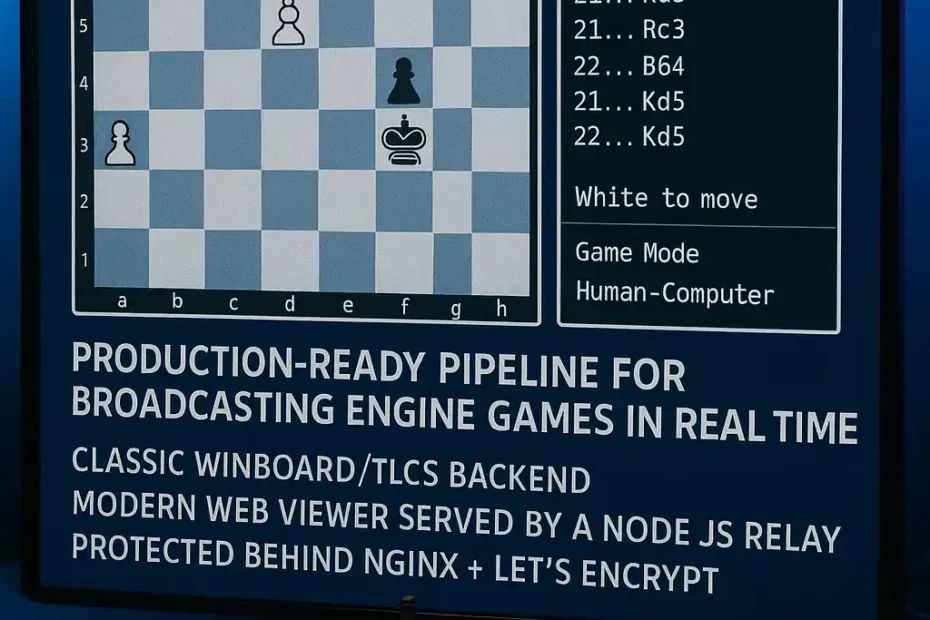
IJCCRL LIVE ARENA is a lightweight, production-ready pipeline for broadcasting engine games in real time using a classic WinBoard/TLCS backend and a modern web viewer served by a Node.js relay and protected behind Nginx + Let’s Encrypt.
This system is designed for:
- Engine matches run locally on Windows (WinBoard + engines).
- TLCS acting as the live game feed (ICS mode).
- A VPS running node-tlcv to collect state/evaluation updates and serve a web viewer.
- Public access via https://live.ijccrl.com with stable WebSocket support.
1) Architecture
High-level diagram
Windows Host (Local)                         VPS (Public)
┌─────────────────────────┐                 ┌─────────────────────────┐
│ WinBoard + Engines       │                 │ node-tlcv (Express)      │
│ TLCS (ICS mode, port P)  │  WireGuard/LAN  │ HTTP :8080 + Socket.IO   │
└───────────┬─────────────┘ ───────────────▶ └───────────┬─────────────┘
            │                                              │
            │                                              │ Nginx reverse proxy
            ▼                                              ▼
     TLCS feed updates                               https://live.ijccrl.com
                                                     (443/80 + SSL)
What each component does
- WinBoard (Windows): runs the actual match between engines.
- TLCS (Windows): publishes live state (FEN, last move, PV/eval signals, etc.) in ICS mode.
- node-tlcv (VPS): connects to TLCS, maintains current game state, serves:
/ijccrl-viewer.html- Socket.IO stream (
/socket.io/...)
- Nginx (VPS): exposes the service publicly on HTTPS, including WebSockets.
2) Known Behaviour (Important)
Why moves may look “delayed” compared to engine GUIs
WinBoard/TLCS does not behave like modern PGN push services. In practice:
- The web clocks can be smooth (client-side estimation).
- Moves / position updates may arrive in bursts when TLCS emits state/eval messages.
This is a protocol/producer characteristic, not a defect in Nginx or the viewer.
3) Windows Side Setup (WinBoard + TLCS)
Required paths (example)
- TLCS:
C:\TLCS\tlc_server16a.exe - WinBoard:
C:\WinBoard-4.4.0\WinBoard\winboard.exe - WinBoard INI:
C:\WinBoard-4.4.0\WinBoard\winboard.ini - TLCS server.ini:
C:\TLCS\server.ini - TLCS debug output file:
C:\winboard\winboard.debug
TLCS server.ini (working baseline)
PATH=c:\winboard\winboard.debug

PORT=16000
SITE=IJCCRL LIVE ARENA
TOURNEYPGN=

DELAY=100
DELAYAFTERMOVE=50
DELAYAFTERGAME=2000

ICSMODE=1
SAVEDEBUG=1
Notes
PATH=is the TLCS debug/log output target.PORT=16000must match what you open in the viewer:?port=16000
Recommended start order
- Start TLCS (so it binds port 16000)
- Start WinBoard and begin the match
If you use a .bat launcher: keep it minimal and avoid unsupported flags (some builds error on unknown args).
4) VPS Side Setup (node-tlcv)
Verify node is listening on 8080
sudo ss -lntp | egrep ':(8080)\b' || true
curl -I http://127.0.0.1:8080/ || true
curl -I http://127.0.0.1:8080/ijccrl-viewer.html || true
Expected:
- HTTP
200 OKfor/and/ijccrl-viewer.html
5) Nginx Reverse Proxy (HTTP + HTTPS + WebSockets)
Working Nginx config (/etc/nginx/sites-available/live.ijccrl.com)
map $http_upgrade $connection_upgrade {
  default upgrade;
  ''      close;
}

server {
  listen 80;
  listen [::]:80;
  server_name live.ijccrl.com www.live.ijccrl.com;

  location = /robots.txt { return 200 "User-agent: *\nDisallow: /\n"; }
  location = /.env { return 444; }

  location / {
    proxy_pass http://127.0.0.1:8080;
    proxy_http_version 1.1;

    proxy_set_header Host $host;
    proxy_set_header X-Real-IP $remote_addr;
    proxy_set_header X-Forwarded-For $proxy_add_x_forwarded_for;
    proxy_set_header X-Forwarded-Proto $scheme;

    proxy_set_header Upgrade $http_upgrade;
    proxy_set_header Connection $connection_upgrade;

    proxy_read_timeout 90;
    proxy_send_timeout 90;
  }
}
Then enable:
sudo ln -sf /etc/nginx/sites-available/live.ijccrl.com /etc/nginx/sites-enabled/live.ijccrl.com
sudo nginx -t
sudo systemctl reload nginx
SSL with Certbot
sudo apt install -y certbot python3-certbot-nginx
sudo certbot --nginx -d live.ijccrl.com -d www.live.ijccrl.com
sudo nginx -t
sudo systemctl reload nginx
Confirm ports
sudo ss -lntp | egrep ':(80|443)\b' || true
6) Public URL
Once DNS A records point to your VPS:
A live -> <VPS_IP>A www.live -> <VPS_IP>
Your public viewer becomes:
https://live.ijccrl.com/ijccrl-viewer.html?port=16000
7) Operational Checklist
- TLCS running in ICS mode on Windows
- Port
16000reachable from VPS (WireGuard/LAN ok) - node-tlcv running on VPS and listening on
:8080 - Nginx proxy active on
:80and:443 - Certbot certificate installed
- Viewer loads and Socket.IO shows “Connected”
- Game state updates arriving (
STATE,UPDATE,BPV, etc.)
8) Next Phase: IJCCRL 16m+10s Exclusive Time Control
After the broadcasting base is stable:
- Define the 8 engines list
- Define tournament format
- Prepare naming, pairing, and long-TC rules (16m+10s as IJCCRL signature)
- Publish “Live Event” landing page (with the viewer link + schedule)
GitHub: How to Publish This Documentation in the Correct Repository
In the repo that contains the node-tlcv source, do this structure:
/README.md
/docs/
  live-arena-setup.md
  architecture.md   (optional)
Recommended approach
- Put a short summary in
README.md - Put the full article above into
docs/live-arena-setup.md - In
README.md, link to it:
## Documentation
- [IJCCRL LIVE ARENA Setup (TLCS + WinBoard + Node-TLCV + Nginx)](docs/live-arena-setup.md)

Jorge Ruiz
Filólogo y amante de la antropología social africana